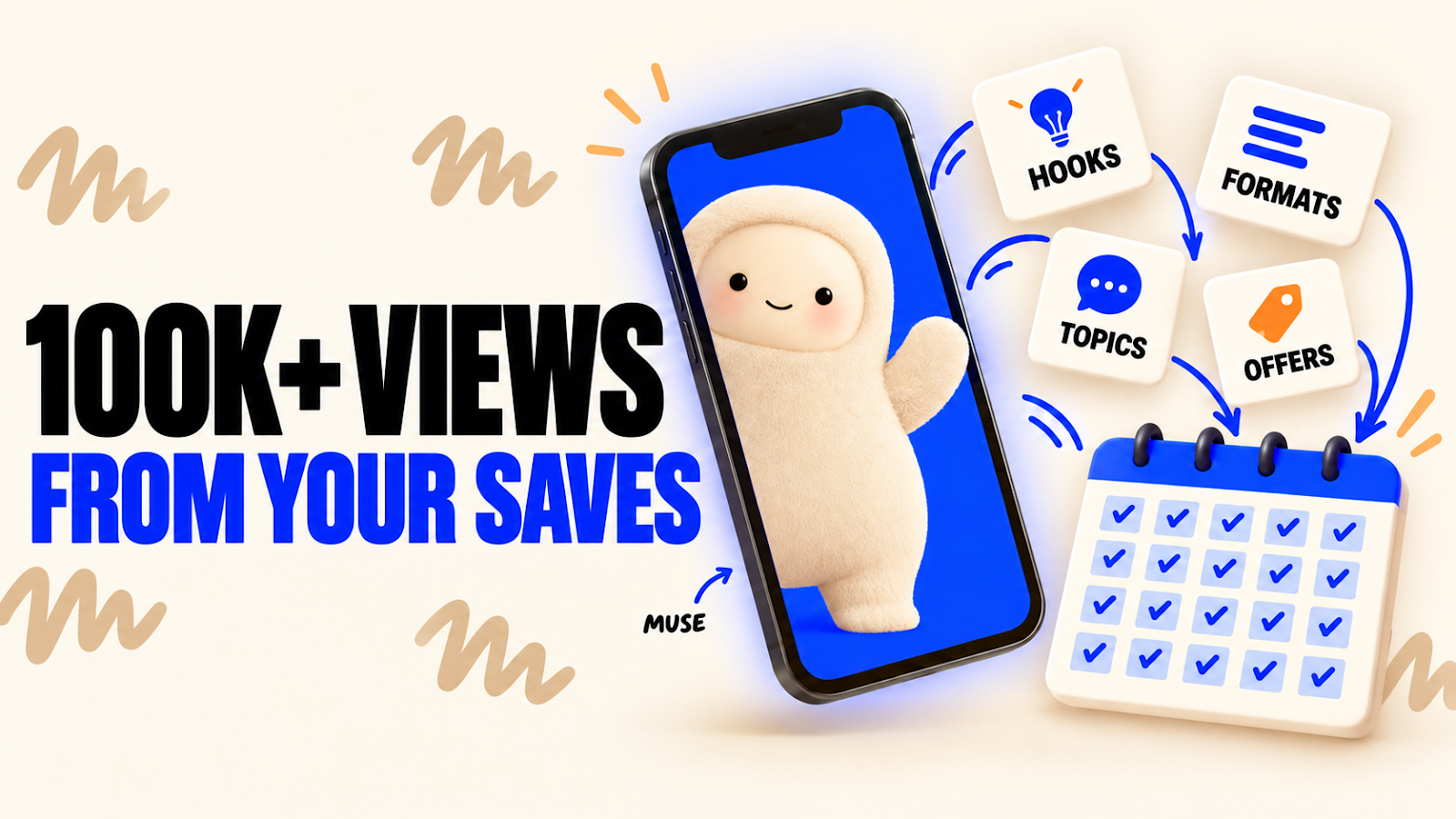
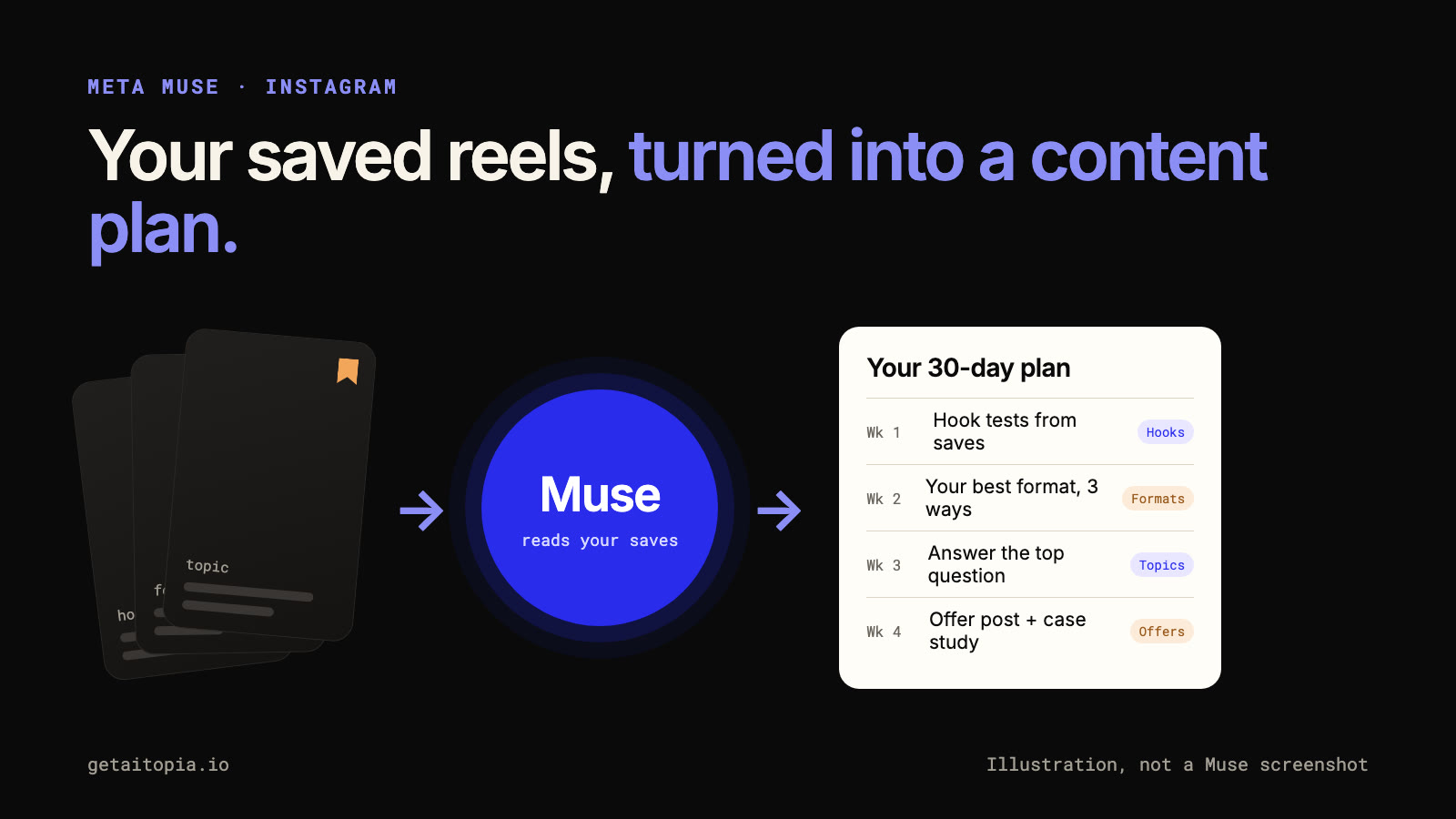
meta muse turns your saved reels into a content plan
everyone saves reels for later. hooks you want to try, formats you want to copy, topics you mean to cover. then they sit in your saved folder and never get used. i used muse to turn my instagram saves into posts that generated 100k+ views. not by copying viral posts. by studying the patterns behind what made me stop scrolling. your saves are more valuable than generic “what’s trending” prompts. they show you:
here’s the process
that’s how i turned saved inspiration into content that generated 100k+ views. three prompts to start with
one rule for the plan it gives you: adapt, don’t copy. use the structure of a saved post, never the creator’s words, face or exact script. then keep the winners outside the app. for each pattern write down the pattern, why it works, and your version of it. that file becomes the input for every content session after this one. stop asking ai what’s trending. your saves already show what works on you.
the full walkthrough, including what muse can and can’t actually do yet, is here: how to use meta muse to turn your saved instagram posts into a content plan. |
Joon Ahn's newsletter
marketers spend most of their week making small decisions, not writing. which lead is worth contacting. which message fits that lead. which ad creative to test. is this search term coming from a buyer. is this ad fatiguing. does the landing page match the promise. each one is small. thousands per week makes them expensive. last week i wrote about JEV, the decision model from TypeSafe AI. quick recap: an LLM generates an answer word by word. JEV takes a situation and a fixed list of possible...
hey JEV is insane. it scores your video before you film it, so you know if it's worth making. let me explain. most AI tools write. ChatGPT and Claude generate scripts, hooks, titles, whatever you ask for. JEV is different. it's a new model from TypeSafe AI, and it doesn't write anything. it judges. you give it information plus specific questions. it returns decisions, scores, and confidence your software can use right away. LLMs write. JEV decides. why this matters AI made content cheap....

hey. new long-form video is up. this one solves the most annoying problem in ai video: your character looks different in every shot. the short version: stop generating videos from one random portrait. build two reference files first. one defines who the character is. one defines how the shot looks. then every scene you generate inherits both. i just published the full build: How to Make Consistent AI Characters with GPT Image 2.5 + Seedance. same character across three separate videos....